Smart timers
with custom sections
Build tailor-made timers for HIIT workouts, cooking sessions, presentations, or any activity that needs several timed phases.
- 🚫No ads
- 💳Free · Pro one-time
- 🛡️No tracking
- 📴Works offline
No ads. No compromise.
Most free timers pay their bills with ads and by selling your data. Segment Chrono never does. Start for free; if you love it, unlock Pro once — and every second is yours.
Typical ad-supported apps
- Video ads that cut off your timer mid-workout
- Your usage data sold to advertisers
- Background tracking and profiling
- A hidden subscription just to hide the ads
 Segment Chrono
- Zero ads — no banners, no pop-ups, ever
- No data collected and nothing sold
- Nothing runs in the background to watch you
- Free to start, Pro in one single purchase — no subscription, ever
Free to try. Pay once for Pro. Enjoy your time — uninterrupted.
Powerful features
Everything you need to time your activities
Custom sections
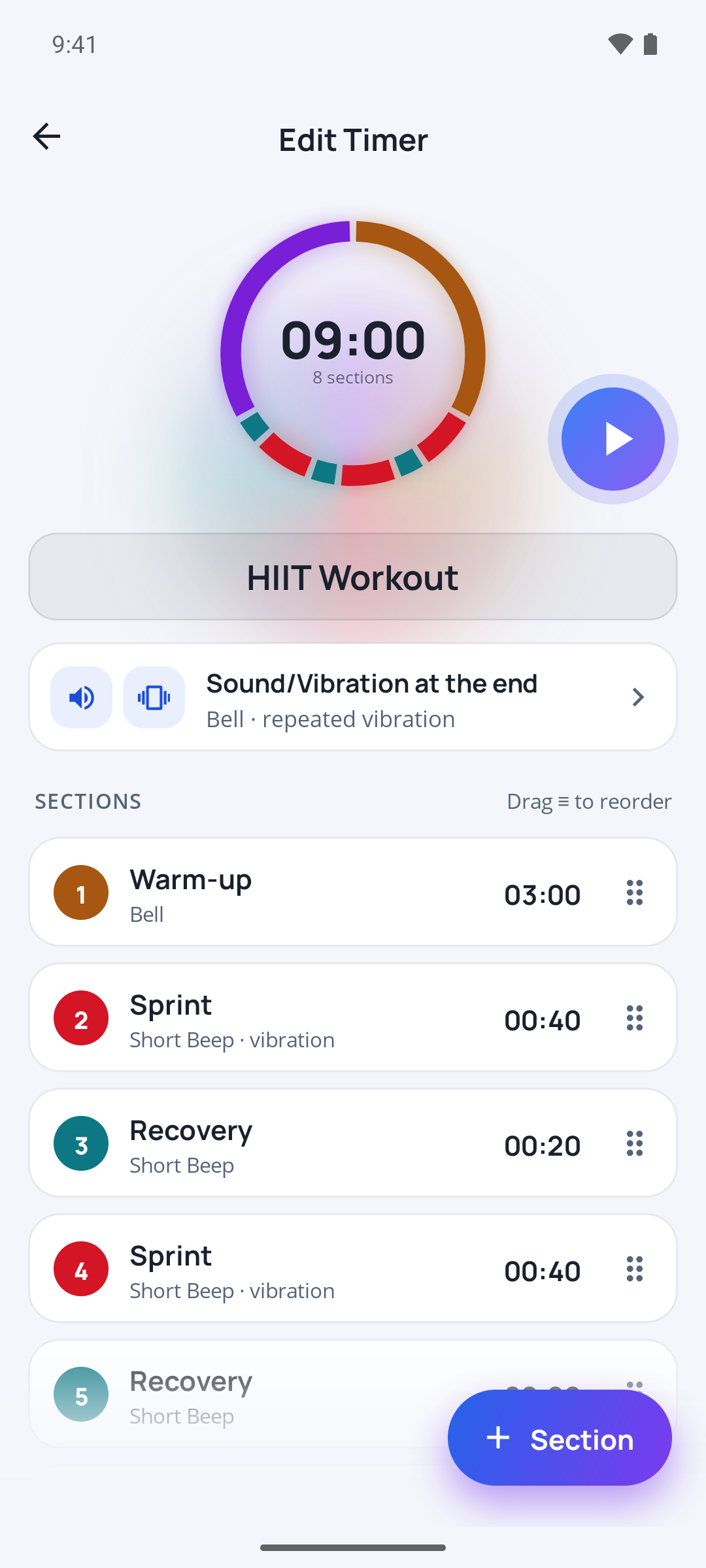
Create as many sections as you need, each with its own duration and color.
Dual display
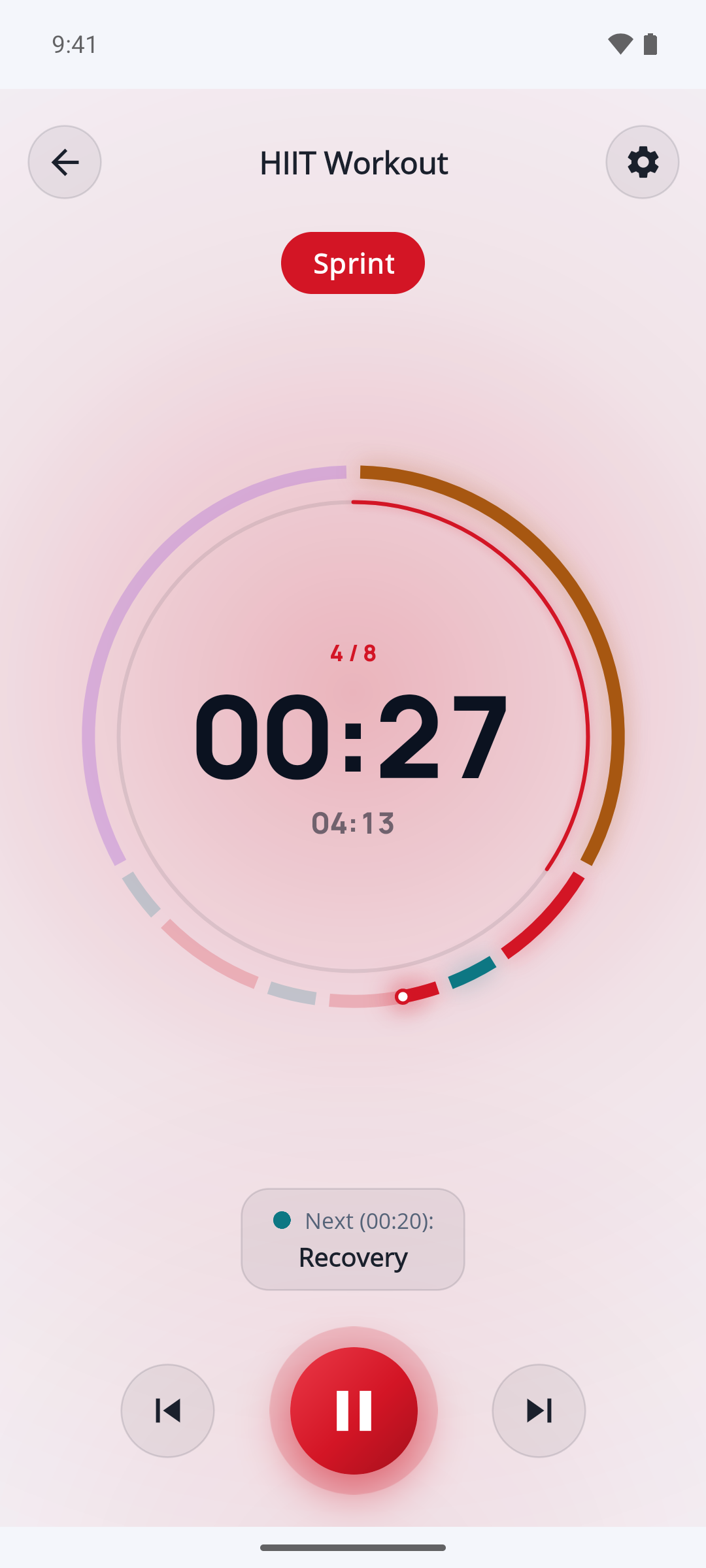
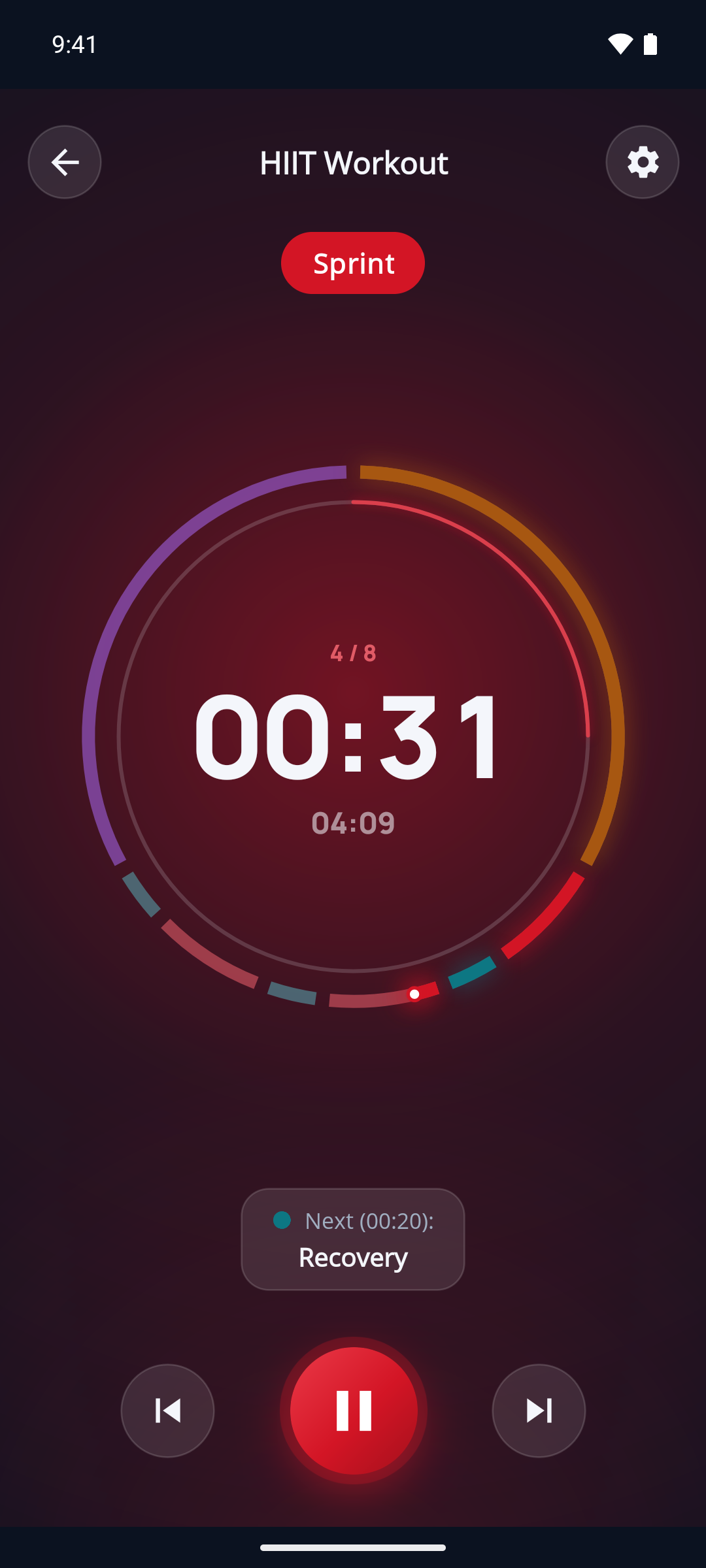
Switch between a clock-face view and a progress-bar view, whichever you prefer.
Visual alerts
Progressive color codes (green, amber, red) warn you as time runs out.
Picture-in-Picture
On Android, keep an eye on your timer while multitasking with PiP mode.
Full control
Pause, resume, skip forward or back between sections. Drag the cursor on the clock face or the bar to jump to any point.
100% offline
Your data stays on your device. No internet connection required. No data collection.
Sounds & vibration
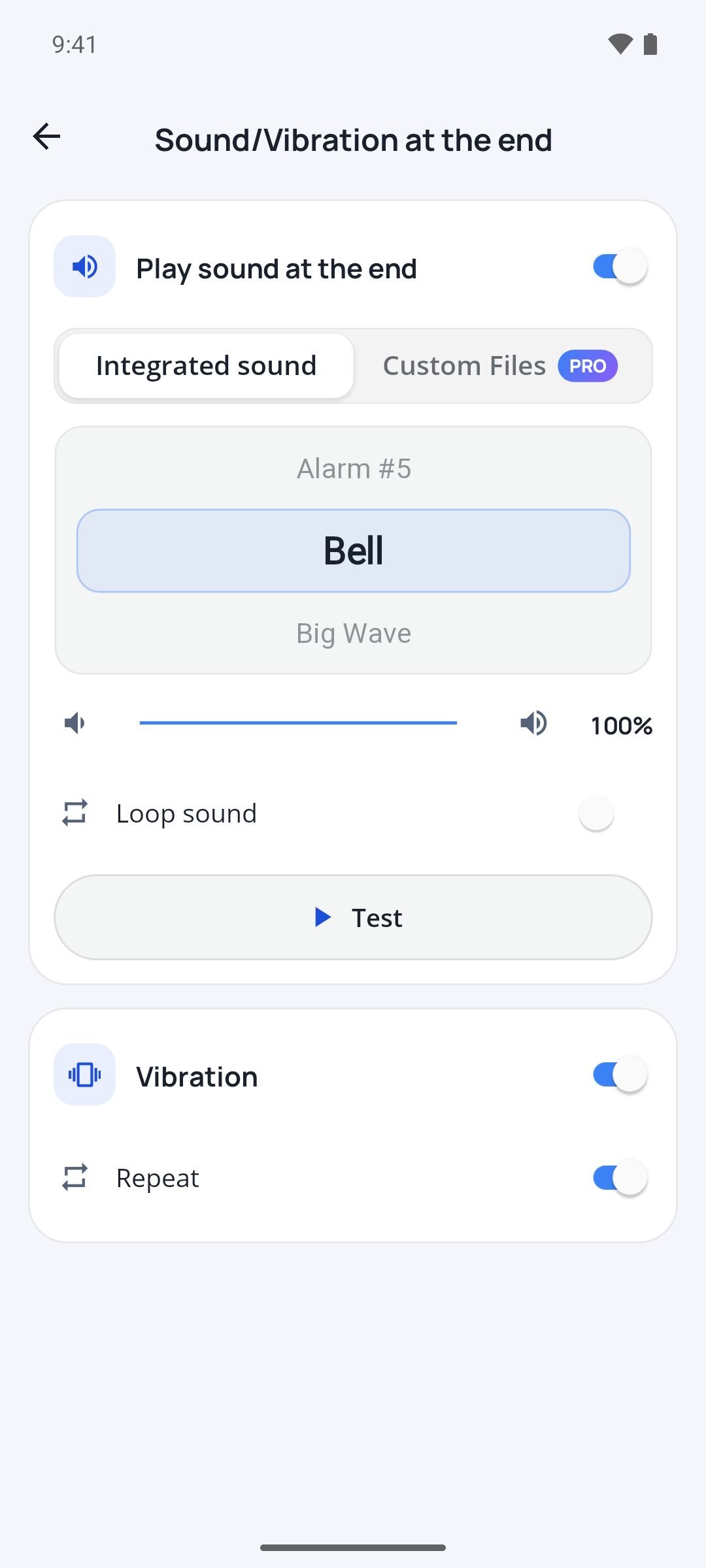
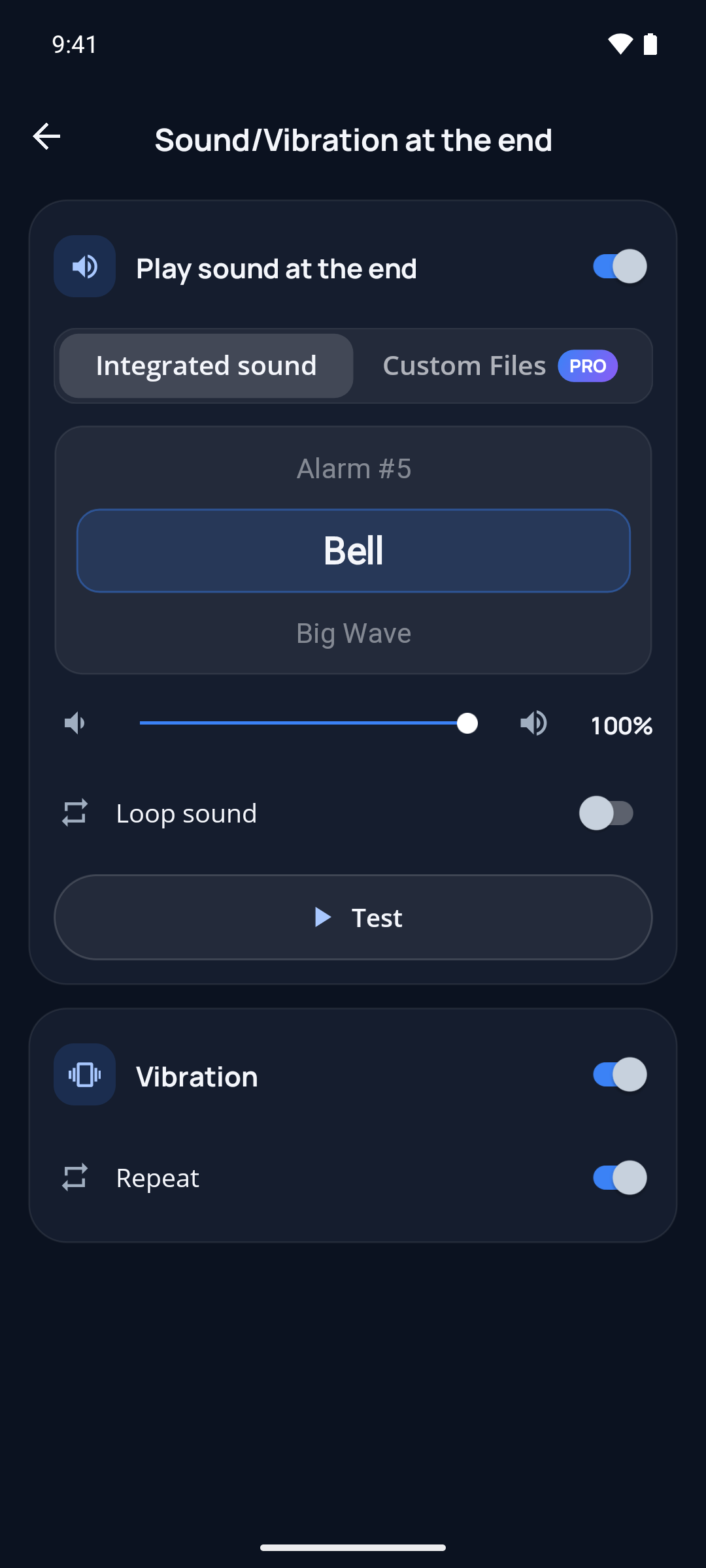
A library of built-in sounds plus vibration, on every section and at the end. Get alerted without taking your eyes off what you're doing.
Custom playlist
Load your own tracks — several per section or at the timer's end — played on loop or shuffled. Perfect for driving your HIIT sessions with your own music.
Built for every platform
Segment Chrono adapts to the strengths of each operating system
Android
Deep system integration for the smoothest background experience.
- Picture-in-Picture to follow your timer while using other apps
- Native alarms keep section transitions on time, even if the app is closed
- Lock-screen media controls and notification with playback actions
- Split-screen support: your timer stays visible side-by-side with another app, and the layout adapts automatically
iOS
Reliable background timing with the controls you expect on iPhone.
- Background audio session keeps your timer running when you switch apps
- Lock-screen and Control Center playback controls
- Native haptic feedback for section changes
macOS
A true Mac app, built for the desktop.
- Freely resizable window, with a layout that makes the most of the large screen
- Your timer and its sounds keep going while you work in other apps
- One Pro purchase works on iPhone, iPad and Mac with the same Apple Account
- Available on the Mac App Store with automatic updates
Windows
A desktop-class experience designed for multitasking.
- Resizable window so your timer fits any desktop layout
- Background audio keeps running while you work in other apps
- Available on the Microsoft Store with automatic updates
Perfect for
HIIT workouts
Alternate intense effort and recovery with precisely timed sections.
Cooking
Manage several cooking steps at once, stress-free.
Speeches & meetings
Time each agenda item or speaking slot to keep your presentation on track.
Pomodoro
Organize your work sessions with built-in breaks.
Download now
Available on your favorite platforms




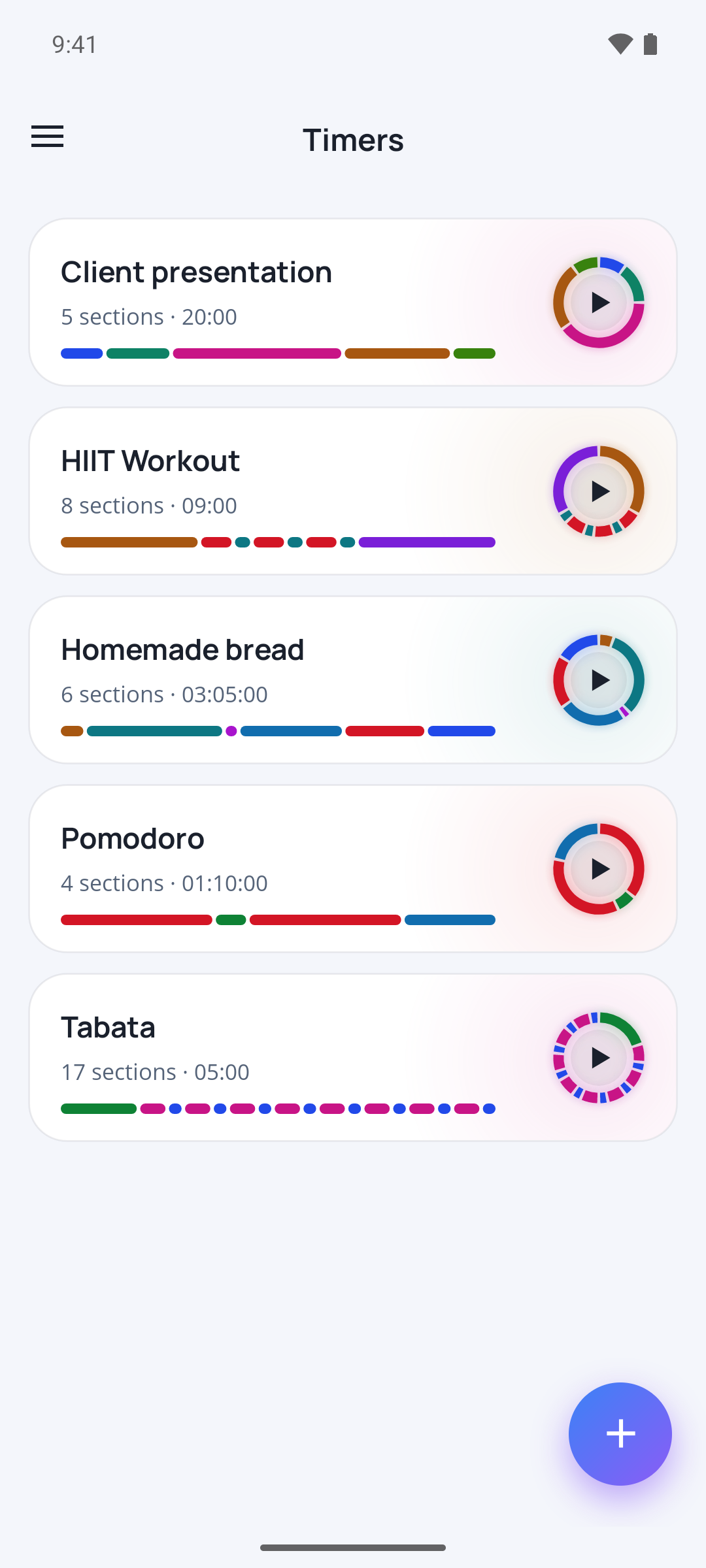
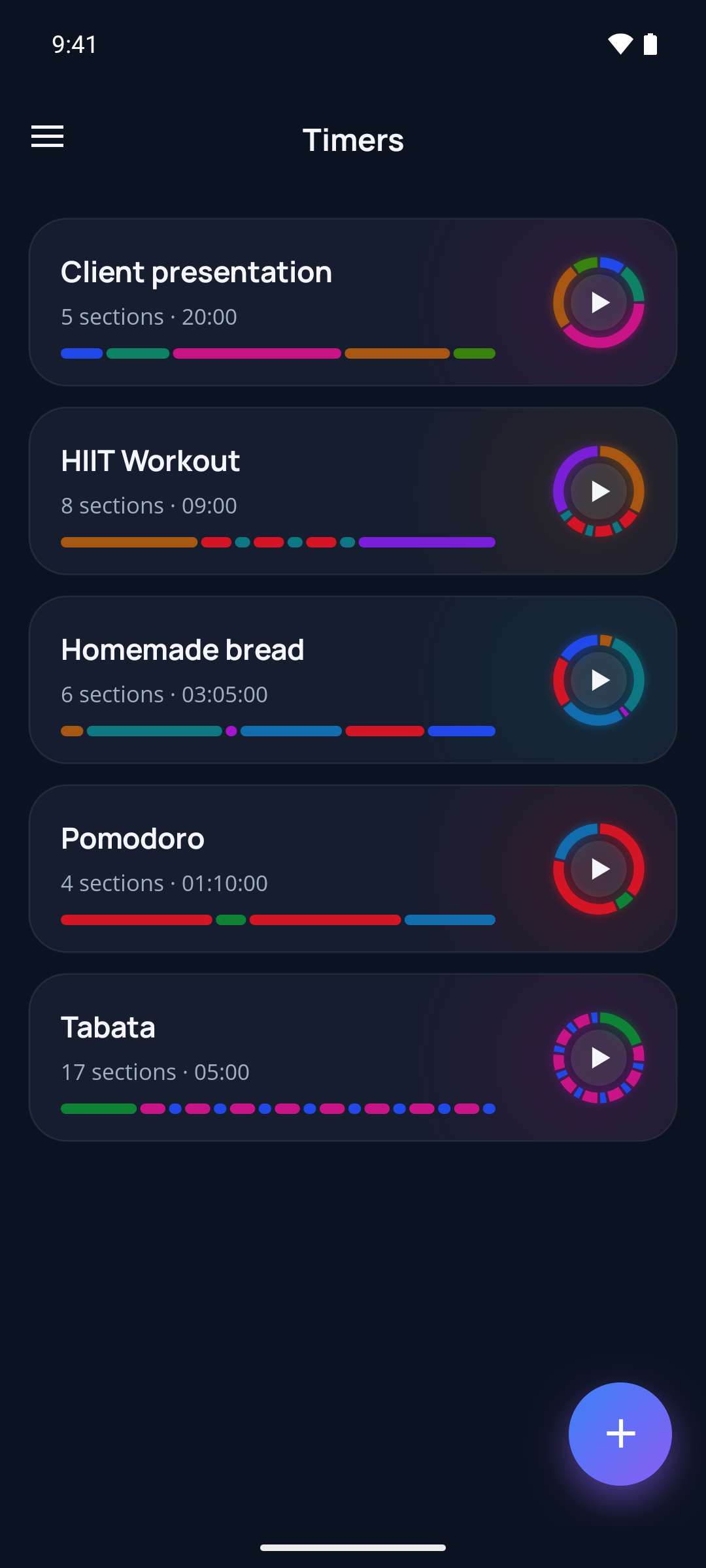
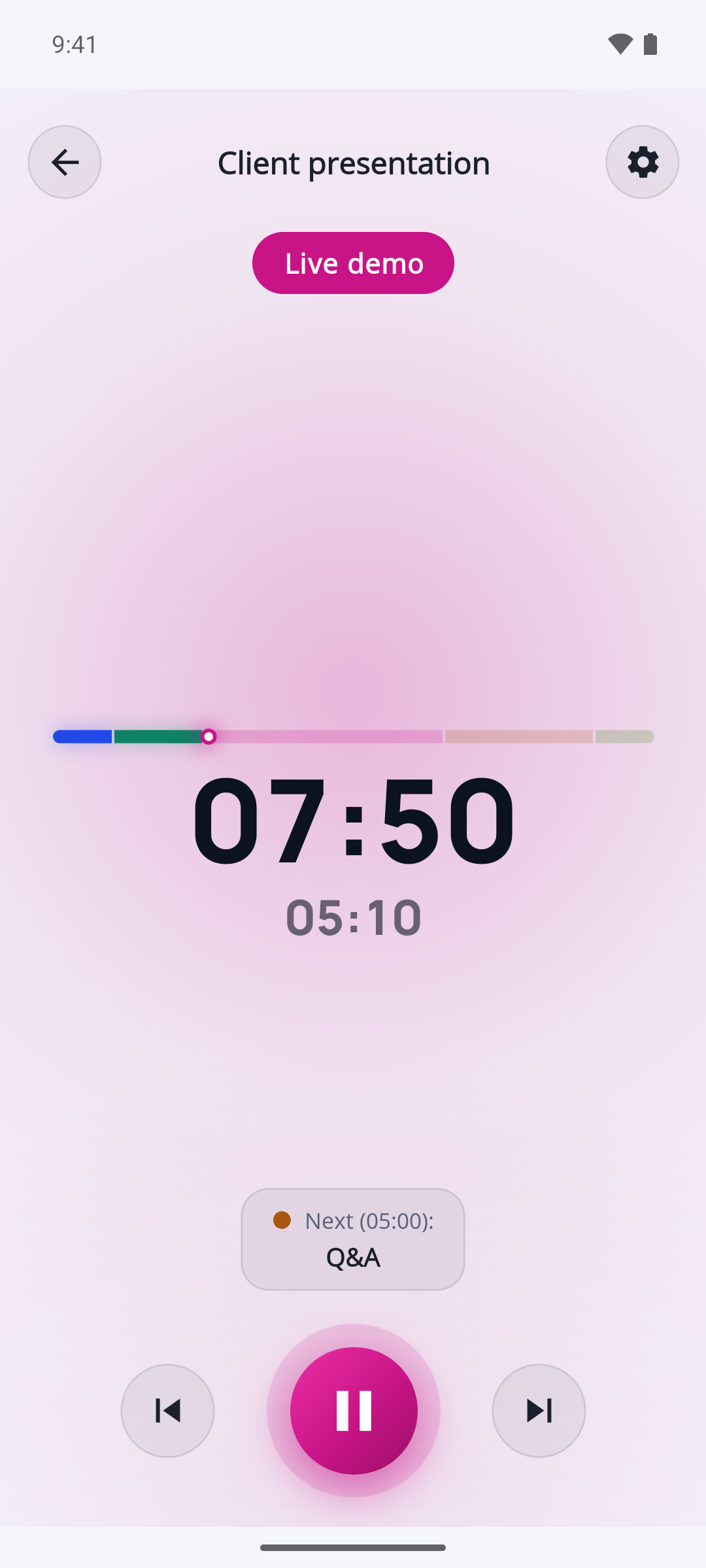
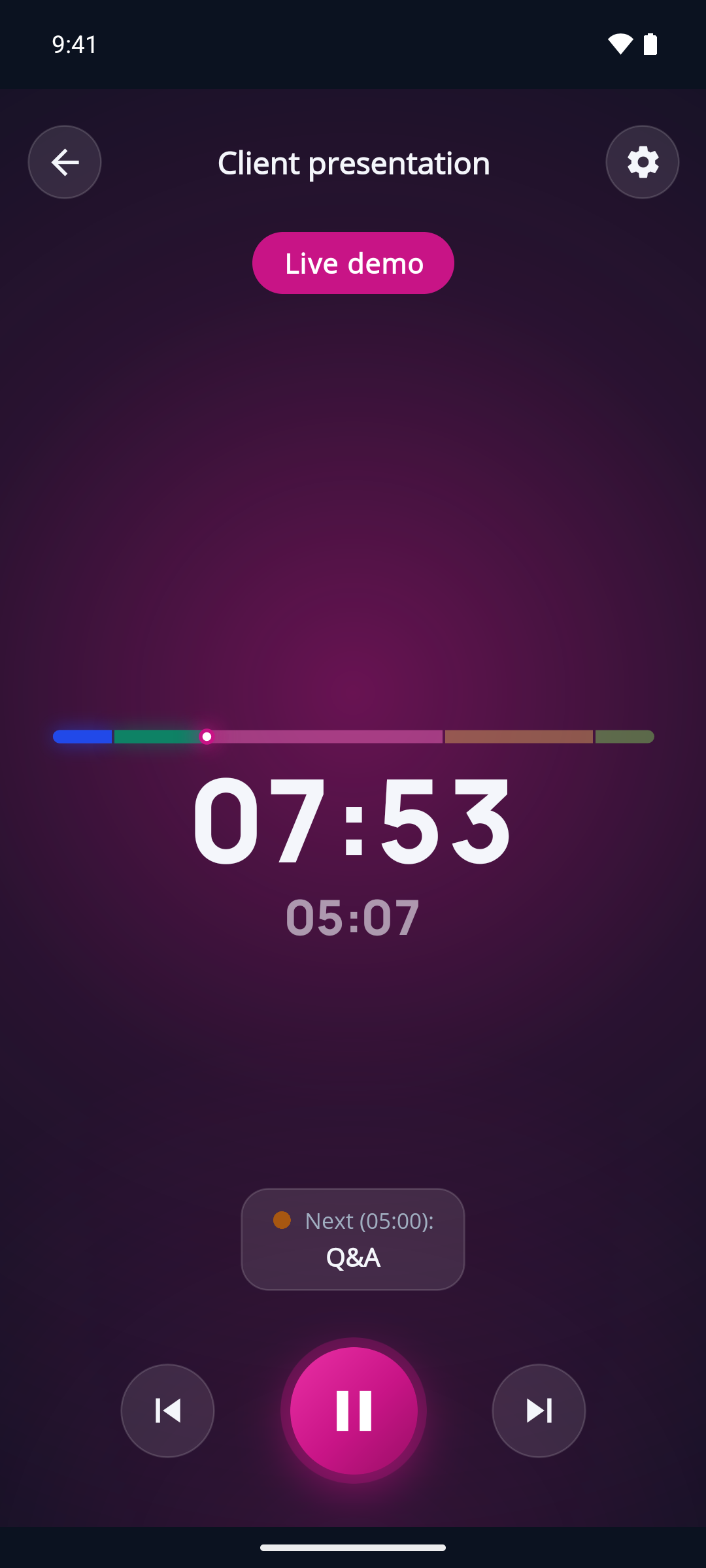
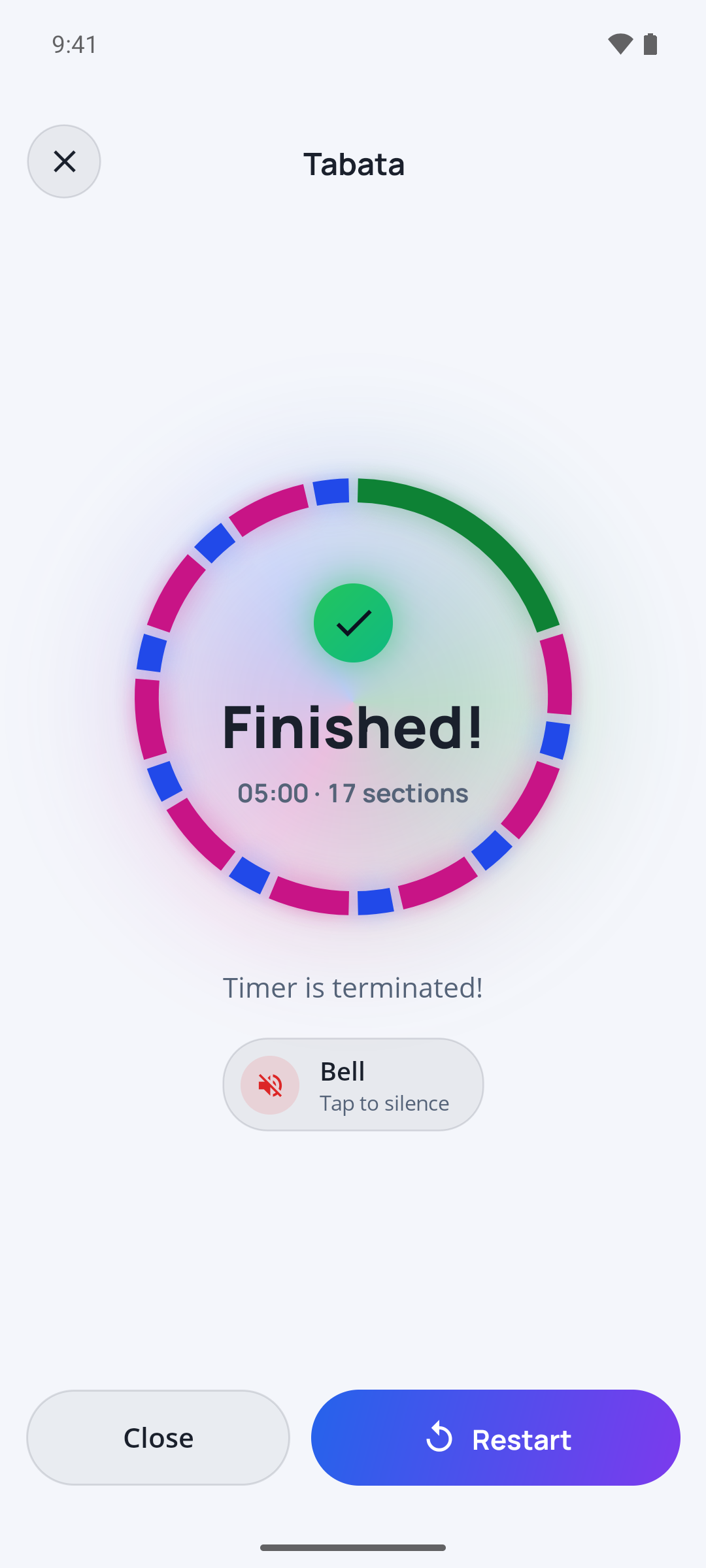
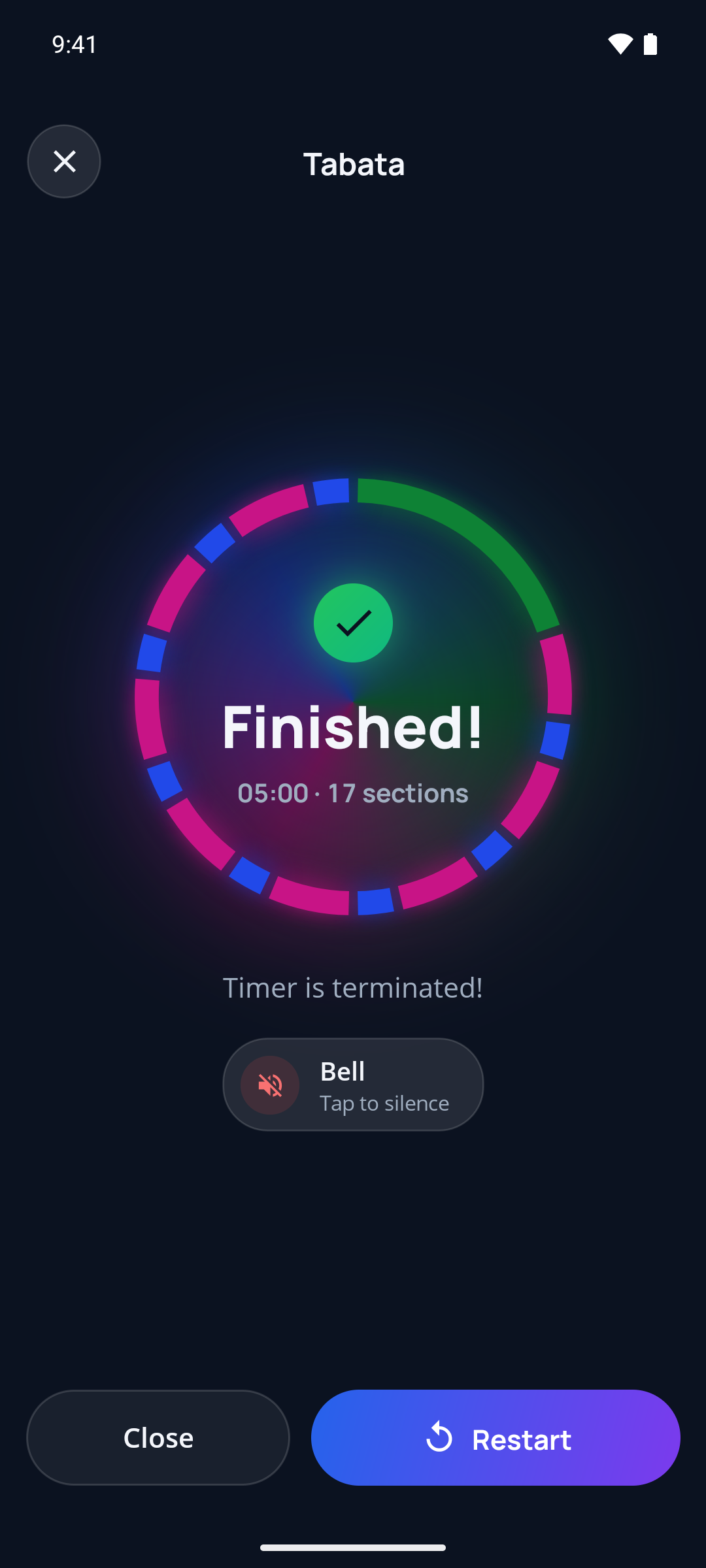
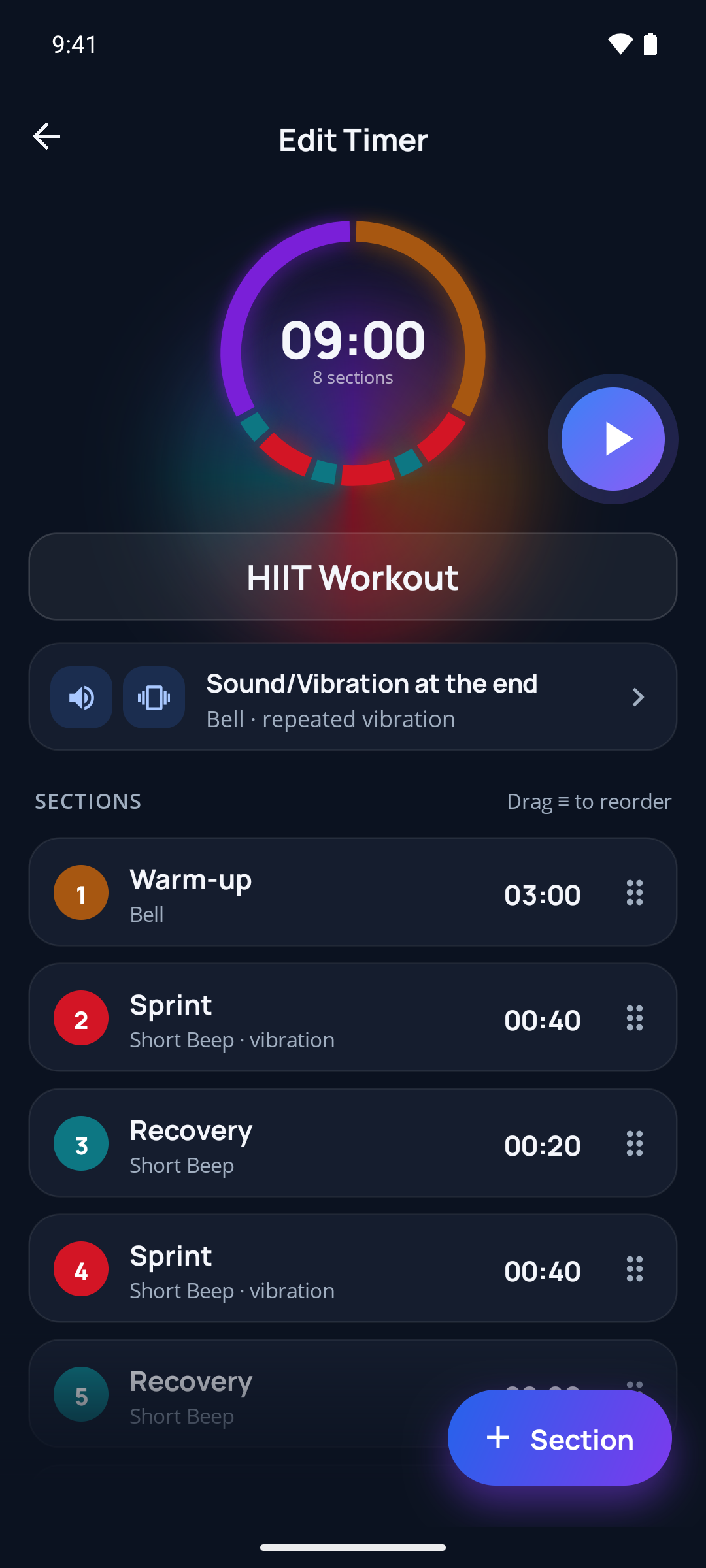
App preview
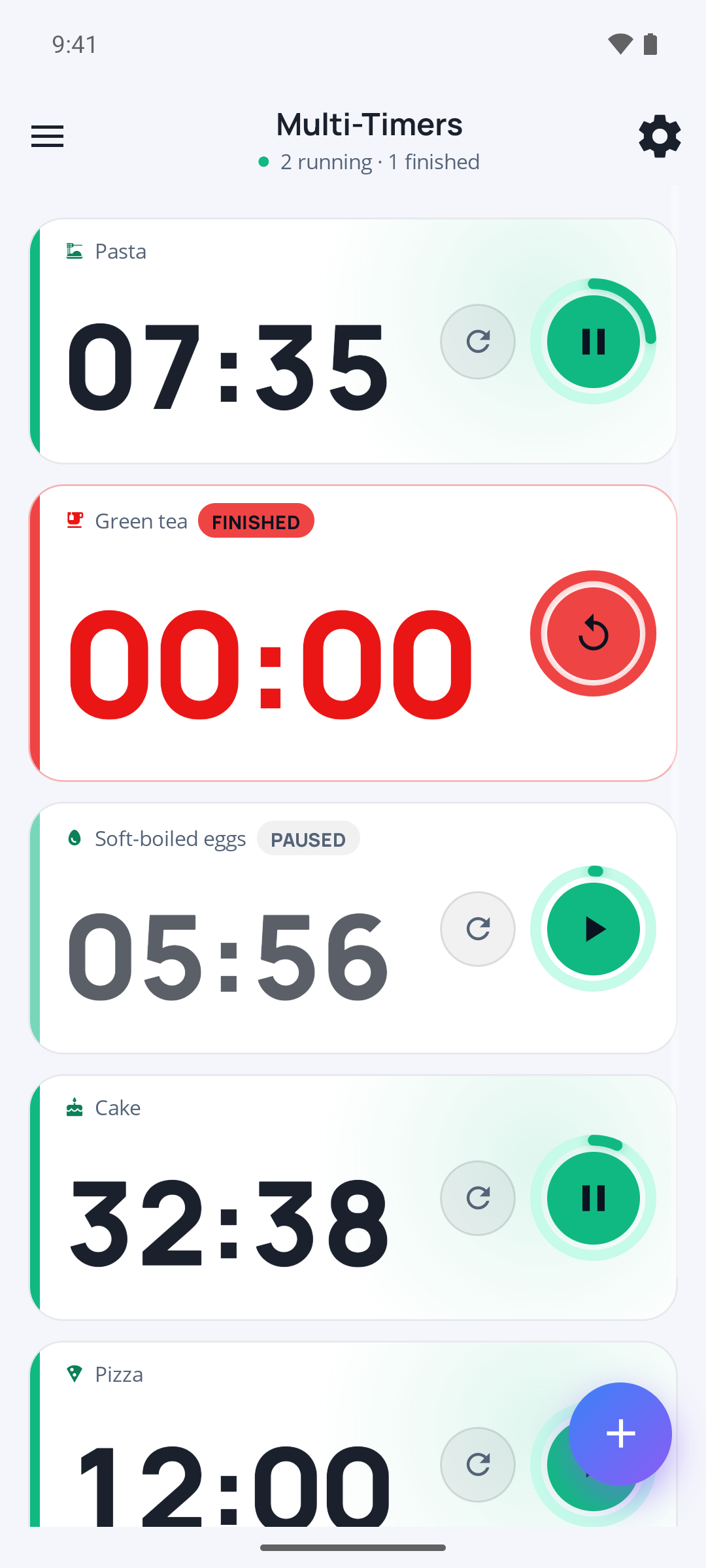
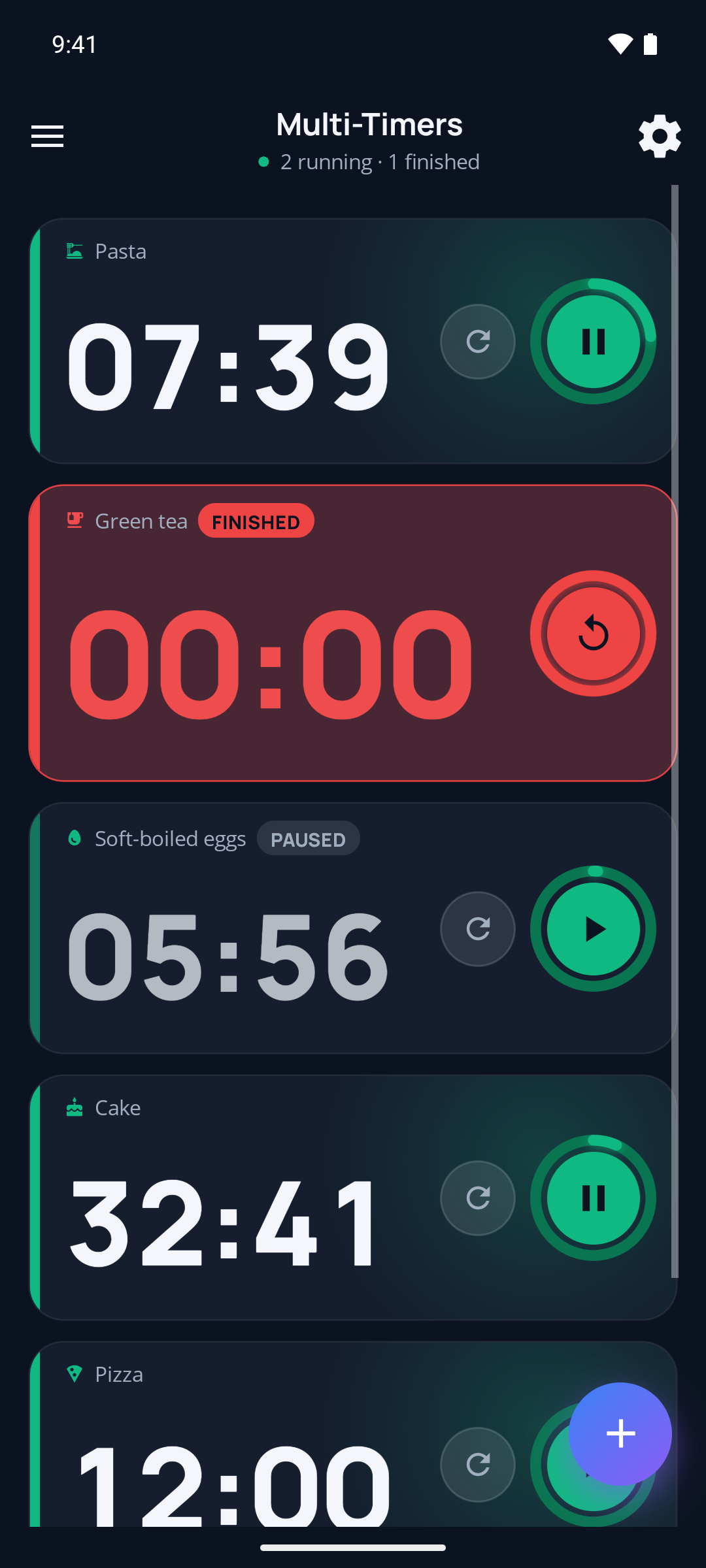
Real in-app screenshots — not mockups.
Your privacy is our priority
No personal data is collected or shared. All your information stays strictly on your device.
Read our privacy policy